





Task
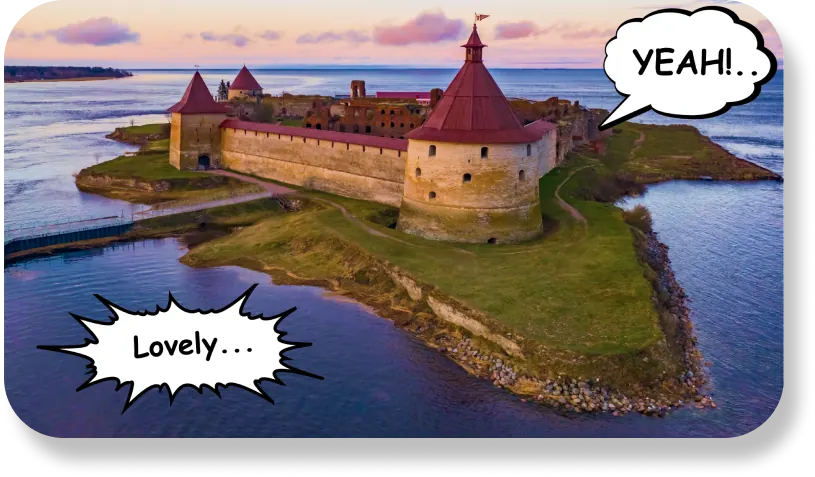
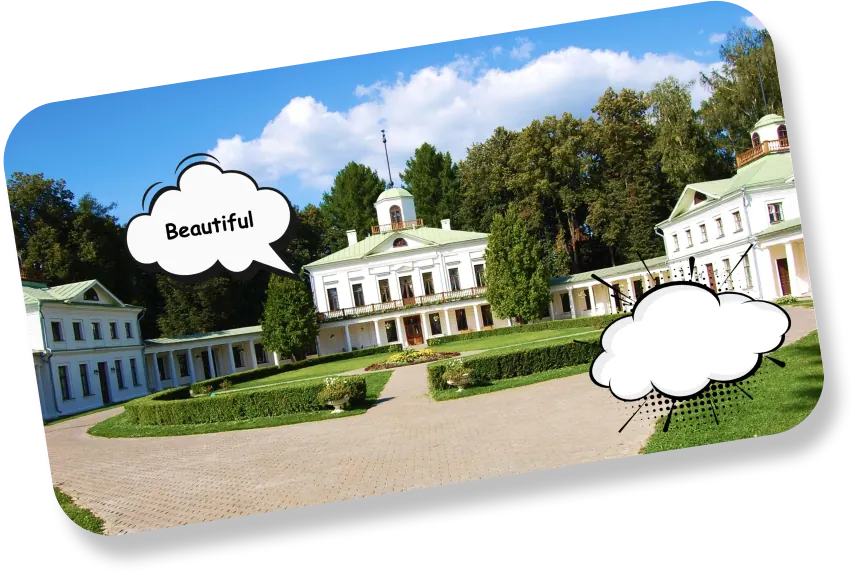
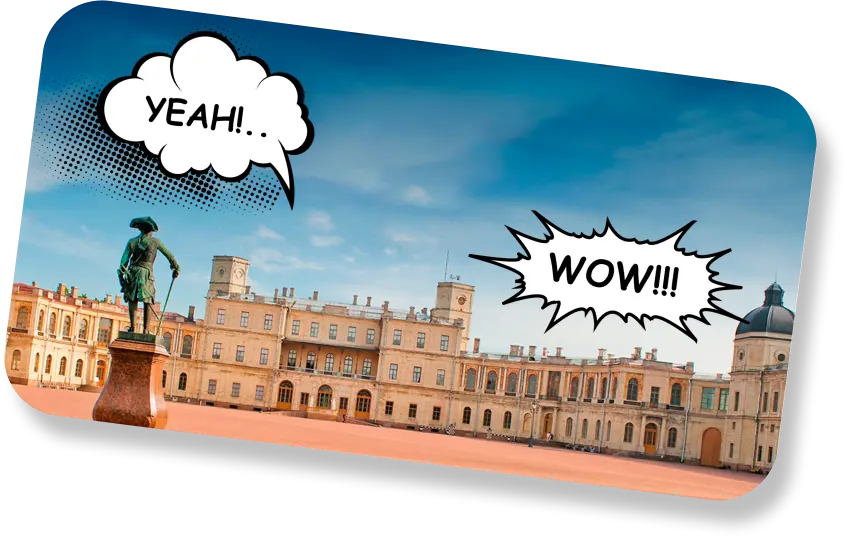
An event in the Leningrad region needed an interactive photo booth. Guests take a photo and get a framed picture with the event branding.
Solution
I built the booth with camera capture, a branded frame and theme overlay, a preview and delivery of the finished photo. The interface is large and has one button, so guests manage without an operator. The booth computer starts everything from a single file.
What was done
- Built an interactive photo booth for the event
- Built the interface from a Figma design
- Added camera capture and a branded frame overlay
- Added a preview and delivery of the finished photo
- Made a large one-button interface that works without an operator
- Packaged the launch on the booth computer into a single file
Result
Hundreds of festival guests took photos on their own, with no operator at the booth. People shared the branded photos on their social media.
Developer's note
What was hard
The hardest part was getting a clean silhouette cutout under unpredictable festival lighting. The ambient light was constantly shifting, and people were walking in the background. I had to fine-tune the mask threshold and edge smoothing so that hair and clothing outlines did not look jagged.
Another challenge was booth autonomy. Visitors arrived in waves, some abandoned the process halfway through, and kids pressed everything on screen. I added an automatic canvas reset on idle timeout and forced texture cleanup in memory so the app never crashed after hundreds of photos in a row.
What came easy
Working with the canvas via Fabric.js went smoothly without surprises. Dragging the cut silhouette across the background, pinch-to-zoom scaling, and rotation worked almost immediately.
Generating the final framed image and rendering the local QR code was quick as well. Guests downloaded the finished photo to their phones in a few seconds, keeping the queue moving without bottlenecks.
Technologies
PythonJavaScriptHTML/CSS